


Fish Finder Interference from Trolling Motors: Power-Side Fixes
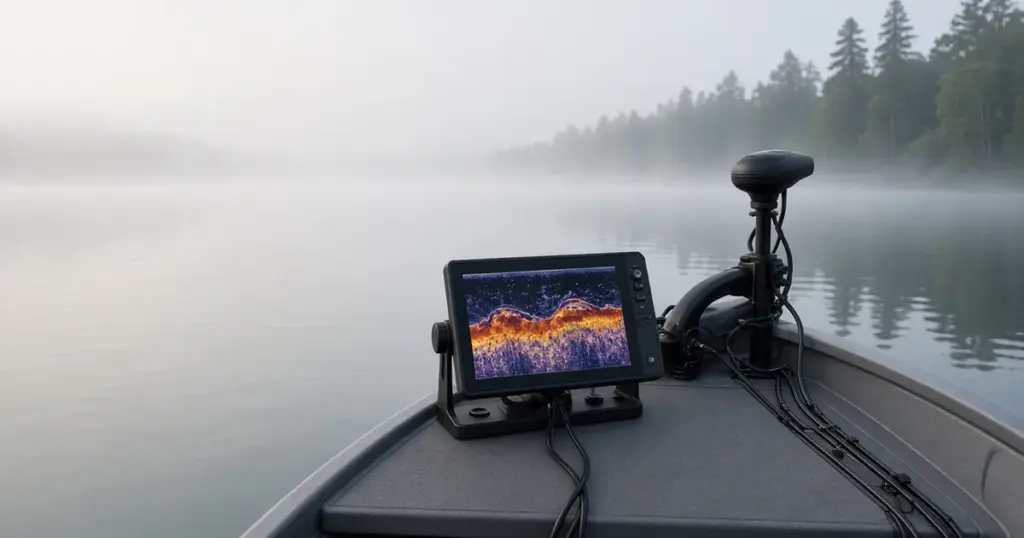
You turn on the trolling motor and your fish finder screen fills with lines, speckles or streaks. Or the sonar works fine until the motor speed goes up. Electrical and acoustic noise from trolling motors is a common problem, but it’s usually fixable with better wiring and placement. Here’s how to track it down.
Types of interference
- Electrical noise: the trolling motor’s controller creates electrical noise that travels through shared power or ground wires, or radiates into nearby cables.
- Acoustic noise: the prop and motor create sound and cavitation that a nearby transducer picks up.
- Cross-talk between transducers: multiple sonar units on the same frequency interfere with each other.
Step 1: Identify when it happens
- Interference only when the motor is running? Likely electrical or acoustic from the motor.
- Worse at higher speeds? Often electrical.
- Only on one display or transducer? Check that unit’s wiring and placement.
- Disappears when you unplug the motor? Confirms the motor as the source.
Step 2: Separate power
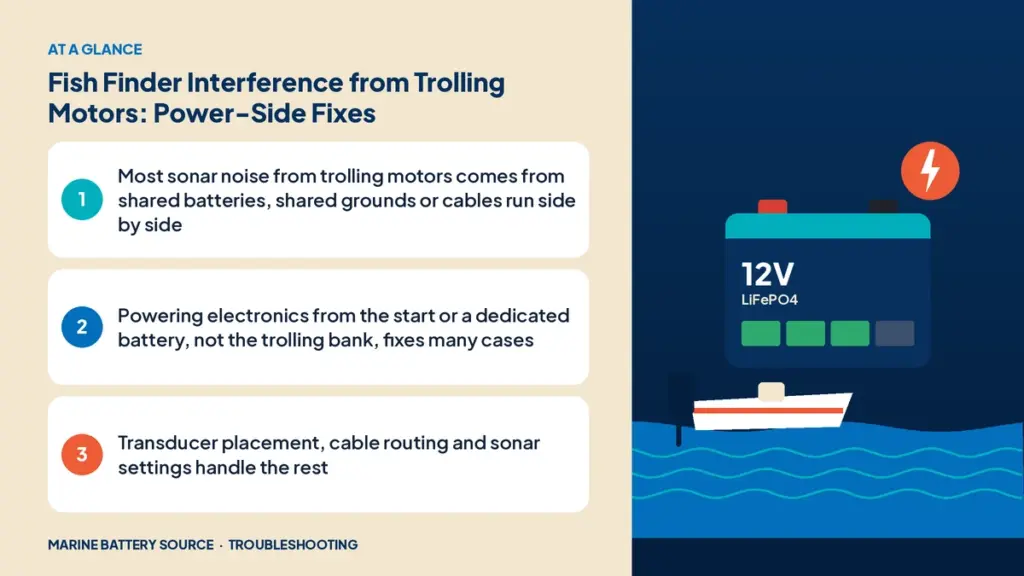
The most common cause is powering electronics from the trolling motor battery or sharing a negative connection with it.
Fix: power electronics from the start battery or a dedicated electronics battery, never from the trolling bank. Keep the trolling motor’s wiring completely separate.
A small dedicated lithium battery for electronics, like the EPOCH 12V 50Ah, isolates sensitive gear from motor noise. Charge it with its own bank on a multi-bank charger such as the EPOCH 4-bank charger.
Step 3: Check grounds
Shared or poor grounds carry noise between systems.
- Run the fish finder’s negative directly to its battery’s negative or a clean negative busbar.
- Avoid connecting the trolling motor negative and electronics negative at a common point other than where the manufacturer recommends.
- Clean and tighten all ground connections.
Step 4: Route cables apart
- Keep transducer cables and power cables away from trolling motor wires.
- Cross at right angles where they must cross.
- Don’t bundle transducer cables with high-current wires.
- Coil excess transducer cable away from power cables.
Step 5: Check the transducer
- Placement: keep transom transducers away from the trolling motor’s prop wash and, where possible, away from the outboard’s prop.
- Mounting: make sure the transducer is secure and clean.
- Trolling motor-mounted transducers: route the cable as recommended, and check for damage.
Step 6: Adjust sonar settings
- Turn on noise rejection or interference filters.
- Adjust sensitivity or gain.
- Change frequency if you have multiple sonar units.
- Update firmware.
Step 7: Use the manufacturer’s filters
Some trolling motor and electronics makers offer noise filters or ferrite chokes. Check with your manufacturer.
Charger noise
Onboard chargers can also cause interference when running. Usually the boat isn’t running sonar while charging, but if you see noise on the dock, it may be the charger. See battery charger fault lights for charger issues.
Wiring and voltage drop
Undersized or corroded wiring on the electronics circuit can make noise worse and cause resets. Check for voltage drop on the electronics power circuit. See voltage drop under load.
Unbalanced banks
A weak battery in a series trolling bank can increase motor current spikes and noise. If you suspect it, see unbalanced battery bank.
Why trolling motors make electrical noise
Modern trolling motors use electronic speed controllers that switch current on and off very rapidly to control motor speed. That switching creates electrical noise across a range of frequencies. Brushless motors with GPS anchoring add more electronics to the mix. The noise travels three ways: back through the power wires to the battery, through shared ground paths, and as radiated interference into nearby cables. Sonar units are sensitive receivers that listen for very faint echoes, so even small amounts of noise show up on screen. That’s why the fixes focus on keeping the motor’s power system physically and electrically separate from the electronics.
Testing methodically
Change one thing at a time, so you know what worked:
- Note how the interference looks at a set motor speed.
- Disconnect the trolling motor’s power and confirm the noise disappears.
- Temporarily power the fish finder from a small separate battery placed away from the trolling bank. If the noise goes away, the problem is shared power or grounds.
- If it persists, move the transducer cable away from motor wires, then try changing frequency or noise rejection settings.
- If none of that helps, check the transducer’s mounting position relative to the motor and prop.
Keeping notes on what you changed and what you saw saves a lot of repeated work.
Acoustic noise and prop cavitation
Not all interference is electrical. A damaged or fouled prop, or a motor mounted so the prop is close to the surface, can cause cavitation and turbulence that a nearby transducer hears as noise. Check the prop for damage and fishing line, set the motor shaft depth so the prop stays well below the surface in waves, and keep the transducer out of the prop wash path.
Checklist
- ☐ Electronics powered from start or dedicated battery
- ☐ Separate, clean grounds
- ☐ Cables routed apart
- ☐ Transducer placed away from prop wash
- ☐ Noise filters on
- ☐ Firmware updated
- ☐ Wiring checked for voltage drop
Example setup
- Start battery: outboard, bilge pump, lights
- Electronics battery: fish finders, GPS
- Trolling bank: trolling motor only
- Multi-bank charger: charges all three independently
This layout removes most electrical interference and protects the start battery.
Related guides
If the trolling motor won’t turn on, see trolling motor won’t turn on. Planning the whole system? Read the trolling motor power system guide. For general troubleshooting, see boat electrical problems troubleshooting and the marine battery troubleshooting guide.
Shop lithium marine batteries.
Frequently asked questions
Why does my fish finder go crazy when I use my trolling motor?
Usually shared power or grounds between the motor and electronics, cables running together, or the transducer picking up motor noise.
Should my fish finder be on the trolling motor battery?
No. Power it from the start battery or a dedicated electronics battery.
Can a ferrite choke fix sonar interference?
Sometimes. It can reduce electrical noise on power cables, but separating power and grounds is usually more effective.
Does transducer placement matter for interference?
Yes. Keep it away from prop wash and motor noise.
Will lithium batteries reduce interference?
Not on their own. Separate power and wiring are the main fixes.